Don’t miss our latest updates
Get news and content delivered straight to your inbox
Thank you! Your submission has been received!
Oops! Something went wrong while submitting the form.


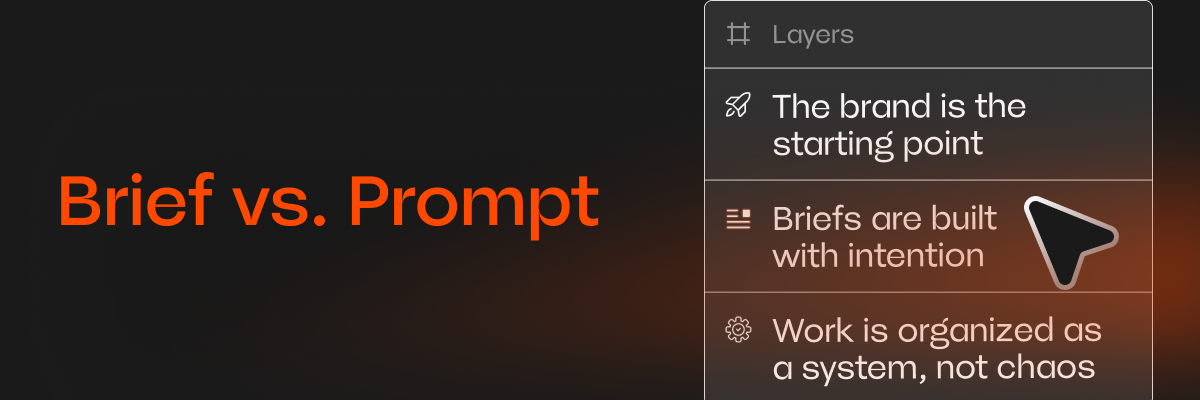
Here's something I've learned watching thousands of real conversations between users and Mavity's Copilot: the people who get the best campaigns are the ones giving the best briefs, instead of the ones creating “perfect prompts”.
Those are not the same thing. A prompt is an instruction. A brief is context. And when you're asking an AI copilot to create ad campaigns for your brand, context is almost everything.
So instead of another list of prompt tricks, this is a step-by-step guide to briefing an AI copilot the same way you'd brief a (very fast) creative team.
The most common mistake I see is people trying to describe how the AI should work: "generate an image, then animate it, then add text." You don't need to do that. That's the copilot's job.
Instead, describe what you need to exist at the end: "I need a launch campaign for our new sneaker drop, mainly for Instagram and TikTok." One sentence about the outcome beats a paragraph about the process.
An ad for Gen Z sneakerheads and an ad for corporate procurement teams should not look alike, even for the same product. Your copilot can't guess your audience, but it will absolutely use it if you say it.
Two details go a long way: who the person seeing the ad is, and what you want them to feel or do. "Young runners who care about sustainability, I want them to feel this brand gets them" is a genuinely useful line in a brief.
This is where an AI copilot for marketing is fundamentally different from a generic chat. In Mavity, your brand (logo, colors, typography, tone, products) is loaded into the workspace, so every generation starts on-brand by default.
But the brief still matters here: mention which product line, which campaign voice, which visual direction. "Use our summer collection, keep the playful tone from our last campaign" gives the copilot something concrete to hold onto.
Some of the best briefs I've seen include a screenshot of an ad the user liked, or a sentence like "something that feels like an Apple commercial." References compress an enormous amount of creative direction into very little effort. Don't overthink them. A vibe is a valid input.
A good copilot asks questions before creating: which channel, which product, which format. I know it can feel like friction. It isn't. Every question you answer saves you three failed generations later.
When we redesigned Mavity's Copilot, this was one of our biggest lessons: the quality of a campaign is decided mostly in this back-and-forth, not in the first prompt.
Once the copilot builds your campaign, it also builds the workflow behind it: in Mavity, that's a flow you can open and edit. If the copy is great but the visuals are off, you don't need to re-brief from scratch. Fix the step that's wrong, run it again.
This is the step most people skip, and it's the one that turns "trying an AI tool" into an actual production system.
If you want something to copy-paste as a starting point, this structure covers everything above:
"I need [outcome] for [product/launch]. It's for [audience], and I want them to [feeling/action]. It will run on [channels]. Use [brand/product line], and here's a reference for the direction: [link or description]."
That's it. No magic words, no prompt engineering degree.
After all this time, my conclusion is that briefing an AI copilot well is the same skill as briefing a human team well: clear outcome, real context, honest references, and a willingness to iterate.
The tools have changed dramatically. Good briefs were always the secret.