

Don’t miss our latest updates
Get news and content delivered straight to your inbox
Thank you! Your submission has been received!
Oops! Something went wrong while submitting the form.


Creating product photography traditionally requires a lot of preparation.
You need to have the product available, prepare the space, set up the lighting, take multiple photos, and then edit each image.
When a company has many products, the process can become expensive and time-consuming.
AI can change part of that process.
Today, you can start with an existing product image and generate different scenes, backgrounds, and compositions without organizing a new photo shoot for every variation.
Although AI can handle much of the work, the initial image still matters.
If the product is blurry, partially hidden, or has details that are difficult to distinguish, it becomes harder to maintain its appearance accurately in later generations.
That is why, before thinking about complex prompts, start with a clear reference.
The image should make it easy to identify the product and its main characteristics.
A good generation does not try to change everything at once.
First, define which elements need to stay consistent.
For example, if you are working with a skincare bottle, you want its shape, label, and colors to remain consistent.
Then you can modify the environment.
Try different backgrounds, surfaces, lighting, and compositions.
This lets you explore more possibilities while keeping the original product at the center.
This also helps determine the format.
A vertical image for social media requires a different composition than a horizontal image for a website.
References can help guide the result.
You can use one image to show the product and another to define the type of environment you want.
In Mavity, workflows can work with existing assets and use them as references within generation processes. Recent updates also allow users to search for references stored within a project directly from generation prompts.
This makes it easier to work with materials the team already has.
Once you have the product, you can explore different situations.
For example, a food brand could generate a clean ecommerce photo and another image in a kitchen environment.
For fashion, you could create an editorial scene and another more everyday setting.
For cosmetics, you could try a bathroom scene, a minimalist background, or a more premium composition.
The key is that all these images start with the same product.
This is where a product photo can become the starting point for something more.
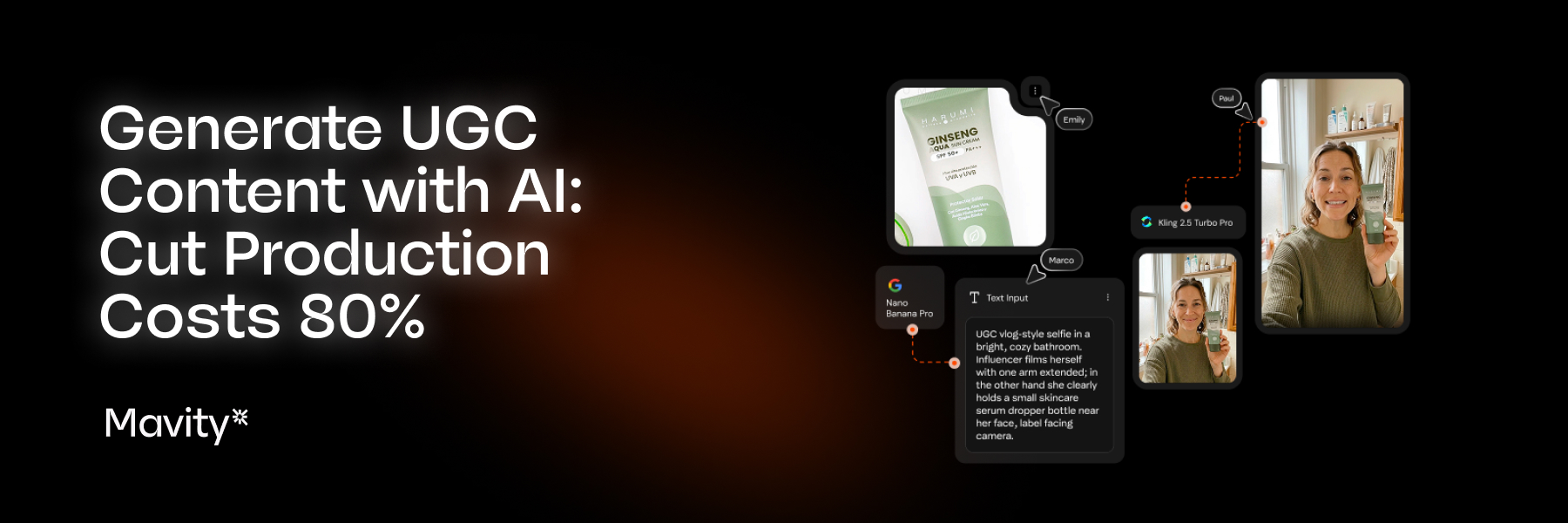
An image can be used as a reference to create a video.
In Mavity, Flows can connect image and video generation, allowing teams to build a process that goes from the original product to different content formats.
This is useful when a brand wants to produce content for different channels without starting from scratch each time.
There are several tools that let you try AI image generation for free or with initial credits.
However, it is important to check the limitations.
Free access may come with restrictions on the number of generations, resolution, models, or available features.
Mavity uses credits for different generations, so the available volume depends on the plan you use.
If you are searching for "how to generate AI product photos for free" or an "AI product photography tool," it is worth comparing not only the initial access but also what happens when you need to produce content regularly.
This is one of the biggest opportunities for ecommerce teams.
The product photo does not have to be the final result.
It can be the input for a workflow.
The process can take one image and generate different scenarios, then select some of those results and use them as references for new content.
For example:
The team still makes the creative decisions and reviews the results.
AI simply accelerates the repetitive parts.
Not necessarily.
There are situations where traditional photography will still be necessary, especially when maximum product accuracy, specific editorial photography, or precise physical control over lighting and composition is required.
But there are many other situations where AI generation can reduce the number of photo shoots needed.
For ecommerce and social content, this opens up an interesting possibility.
Create more variations without organizing a new photo shoot for each one.
Generating one AI photo is relatively simple.
The challenge appears when you need to generate one hundred.
That is when consistency, context, organization, and the ability to repeat the process become important.
This is why tools like Mavity Flows can be more useful when the goal is not simply to generate an image, but to build a content production process that can be reused.
Create your free Mavity account today here