
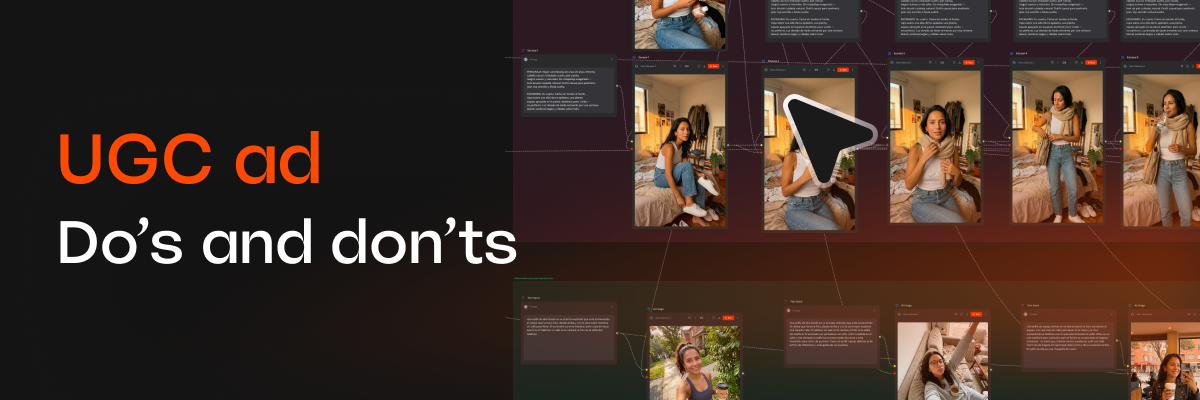
Video

Generate UGC Content with AI: Cut Production Costs 80%

Learn how to generate UGC content with AI, from product photography to video ads, and cut production costs by up to 80%. Step-by-step guide.
Paula Mogollón
COO
September 22, 2026
8 min read

If your brand relies on UGC-style content for social, you already know the problem: it's the format that converts best, but also the hardest to scale. Creator casting, product shipping logistics, filming sessions, editing,  every new piece means starting almost from scratch.

Multimodal AI is changing that math. Today it's possible to generate UGC content with AI, from product photography to video with voice and motion, without a traditional shoot for every single piece. This isn't about replacing real creators; it's about having an extra lever to produce more, faster, at a fraction of the cost.

What does "AI-generated UGC content" actually mean?

AI UGC content is any piece that mimics the visual and narrative language of real user-generated content -  handheld camera feel, casual tone, testimonials, unboxings, reviews, but is produced fully or partially with AI tools: image, video, and voice generation models that work from a product, a script, or even a single reference photo.

This includes:

  • AI product photography, no photographer, studio, or physical styling required.
  • Video with AI-generated avatars or presenters, with scripts adapted per platform.
  • Niche-adapted content, like fashion or food, where AI adjusts lighting, context, and style by category.
  • Fast variations of the same piece for A/B testing on Meta, TikTok, or Instagram.

Why it cuts costs by up to 80%

The traditional cost of a UGC piece isn't just filming, it's the entire logistics chain. A typical breakdown looks like this:

  • Creator casting and payment
  • Physical product shipping
  • Location and crew coordination
  • Editing and post-production
  • Approval time and back-and-forth with the client

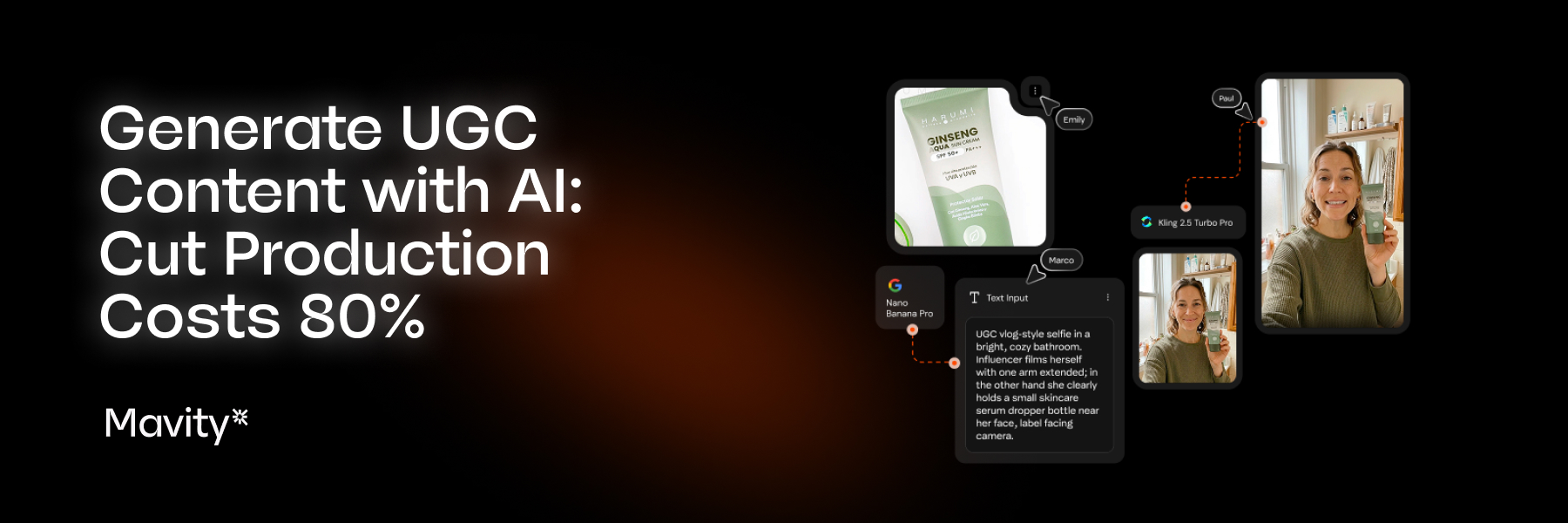
With an AI content workflow, most of that cycle compresses. Generating a product photo with AI takes minutes, not days. A video with a script and voice can be iterated in the same work session, no studio booking or external editing turnaround required. When you remove physical logistics and automate iteration, a 70-80% reduction in production cost isn't a marketing exaggeration, it's the direct consequence of stripping manual steps out of the process.
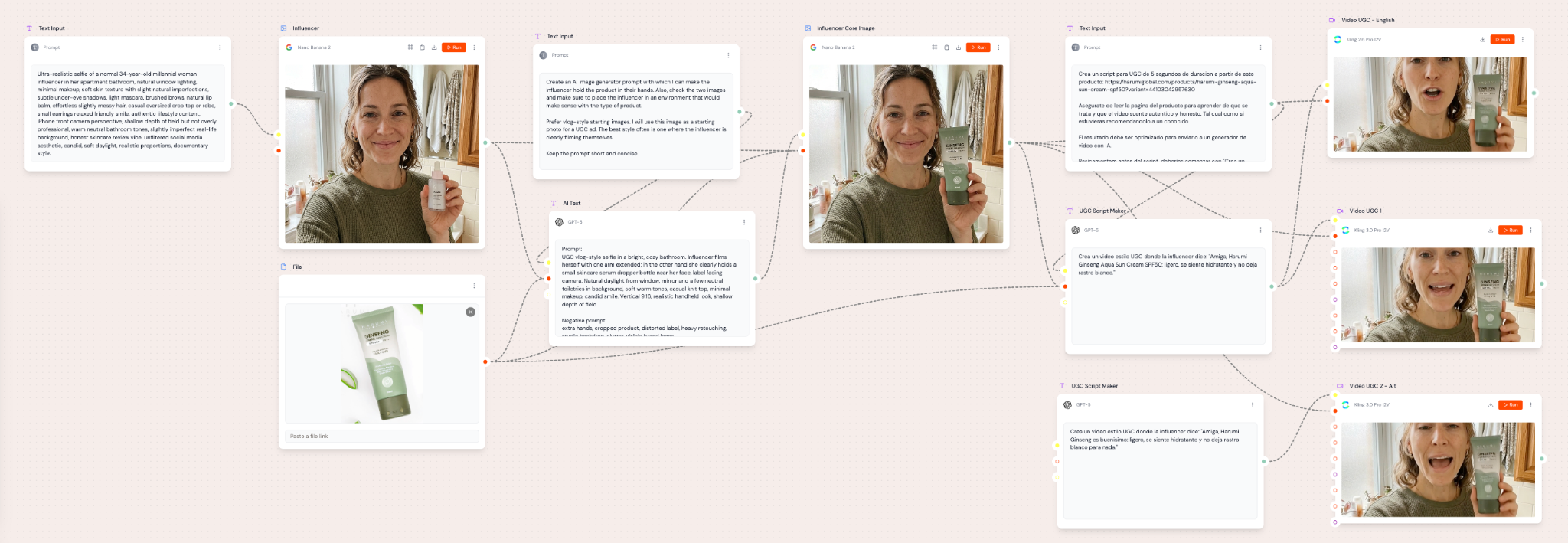
How to create a UGC ad with AI, step by step

  1. Define the ad angle. Before generating anything, decide the hook: problem-solution, honest review, unboxing, comparison? AI performs best when the script already has clear intent.
  2. Upload your product or visual reference. Most multimodal content generation tools start from a product image to keep brand consistency.
  3. Generate the visual variants. Whether it's product photography or video scenes, this is the step where AI replaces the physical shoot.
  4. Adjust script and voice. Adapt tone, length, and call to action per platform (Reels, TikTok, Stories). 
  5. Iterate with variations. Generate 3-5 versions of the same concept to test which hook converts best, with no incremental production cost.
  6. Export and publish. Adjust formats (9:16, 1:1) per channel.

Use cases already working

  • Fashion: content generation with virtual models or garment variations without a repeated photoshoot per SKU.
  • Food: AI product photography that solves the food styling challenge, where prop and location logistics are usually the biggest hidden cost.
  • Performance ads: fast creative generation to test angles before investing in real production with creators.

Does this replace human creators?

No, and it's worth being honest about that. AI-generated UGC content is strongest as a complement: testing angles before investing in real production, scaling variations of a campaign that's already working, or covering categories where traditional shoots are disproportionately expensive relative to expected return. Human creators remain irreplaceable for stories with real emotional depth and genuine community-building.

How to get started

If your team is still producing every UGC piece from scratch, the first move isn't overhauling your whole content strategy,  it's identifying which part of your current production is purely repetitive (variations, testing, formats) and moving that part into an AI workflow. That's where the savings are immediate and the risk is minimal.

At Mavity, tools like Mavity Flows are built for exactly this: taking UGC content from concept to publish-ready without traditional production friction, for marketing teams in Latin America and the US that need to produce more without scaling the budget.

Create your Mavity account or review our Flow templates and see how you can create UGC content for your brand. 

Subscribe to our newsletter and stay on the cutting edge of AI-powered content creation

Latest articles

We recommend these related articles

Automation
August 18, 2026

Best AI Platform for Agencies: How to Measure Real ROI

Comparing AI creative platforms? Here's how agencies should actually measure ROI beyond price-per-seat, before choosing an AI platform.
Paula Mogollón
COO
Video
August 18, 2026

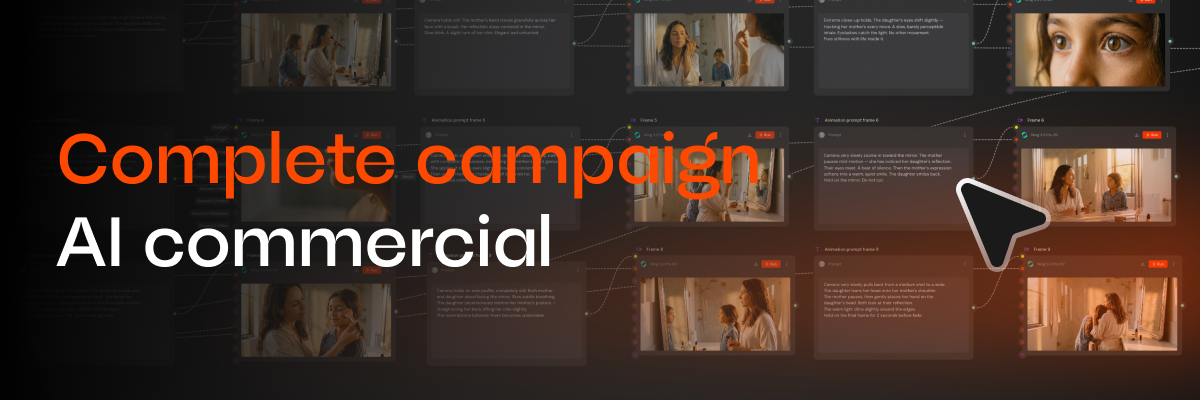
A guide to creating your first AI campaign in Mavity

We'll build a complete commercial: characters, scenes, video, product shot and voiceover, step by step, with a real flow
Gabriela Durán
Head of Product
Video
August 17, 2026

How to create a UGC ad with AI, step by step

We built a complete UGC campaign: product, creator, script, voice and talking video, in one flow. Here's the whole process.
Gabriela Durán
Head of Product