Don’t miss our latest updates
Get news and content delivered straight to your inbox
Thank you! Your submission has been received!
Oops! Something went wrong while submitting the form.


There's a moment in every conversation about AI and marketing where someone says: "but I can already generate images with AI." And they're right. Generating a single asset stopped being impressive a while ago.
What most teams are still missing is everything around that asset: the sequence of steps that turns a business goal into a finished, multi-format, on-brand campaign. That sequence is a workflow. And the newest category of tools doesn't just generate content, it generates the workflow itself.
An AI workflow generator for marketing takes a plain-language request: "I need a campaign for our product launch", and builds the production pipeline needed to deliver it: which assets to create, in what order, with which brand inputs, for which formats.
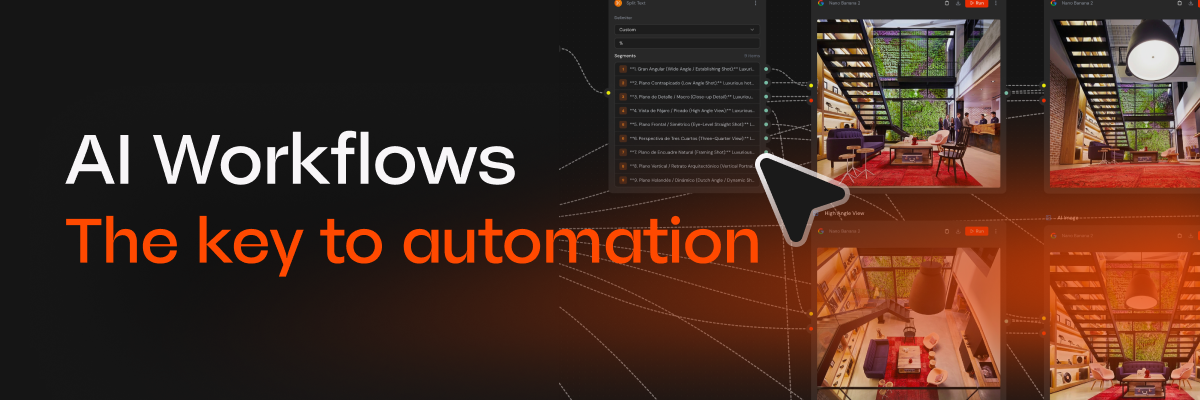
In Mavity, that pipeline is a flow: a visual sequence of connected steps on a canvas. One node generates product images with your brand identity, another animates them into video, another writes copy variations, another adapts everything to each channel's format. You asked for a campaign. The system designed the process.
This distinction sounds subtle, but it changes the economics of content completely.
When you generate assets one by one in a chat, every piece is a fresh start. Nothing accumulates. When you generate a workflow, you're creating something reusable: run it again next week with new inputs, duplicate it for another product, share it with your team.
The campaign that worked this month becomes the template for the next one. That's the difference between using AI and building a content system with AI.
Let me make this concrete with the kind of process I see marketing teams run every week without automation: write a brief, request visuals from design, wait, review, request copy, wait, resize everything for five platforms, assemble, review again.
With a workflow generator, the same cycle looks like this: describe the outcome to the copilot, answer a couple of questions, review the flow it builds, execute. The waiting and the coordination, which is where most of the time actually goes, largely disappear. The reviewing stays. It should.
I want to be honest about this, because I think the "automate everything" narrative hurts more than it helps. The judgment calls (is this the right message, does this actually fit our brand, should this campaign exist at all) still belong to people. In my experience, automation makes those decisions more important.
What you automate is the production mechanics. What you keep is the direction. Teams that confuse the two end up shipping more content and worse campaigns.
You don't need a big migration project. Pick one recurring content need: e.g. weekly product posts, ad variations for one channel, and let the copilot generate the workflow for it. Run it, edit the steps that aren't right, run it again. Once it's solid, save it and share it.
One good flow, reused every week, will teach you more about AI content workflow automation than any comparison article. Including this one.
For years, the output was the valuable thing and the process was overhead. AI has quietly inverted that. Outputs are now cheap and infinite. A well-designed, reusable, on-brand process is the scarce asset.
So when you evaluate AI marketing tools, my advice is to look past the demo images and ask one question: when this generates something great, can I run it again?